A Guide to Fast and Efficient Implementation
As the demand for efficient IT service management (ITSM) escalates, finding a solution that aligns with both speed and cost-effectiveness becomes critical. At Opsaro, we help companies leverage cutting-edge technologies to streamline their IT service desk operations. Today, we’re exploring a hands-on approach to implementing HaloITSM, a powerful tool poised to redefine service desk efficiency.
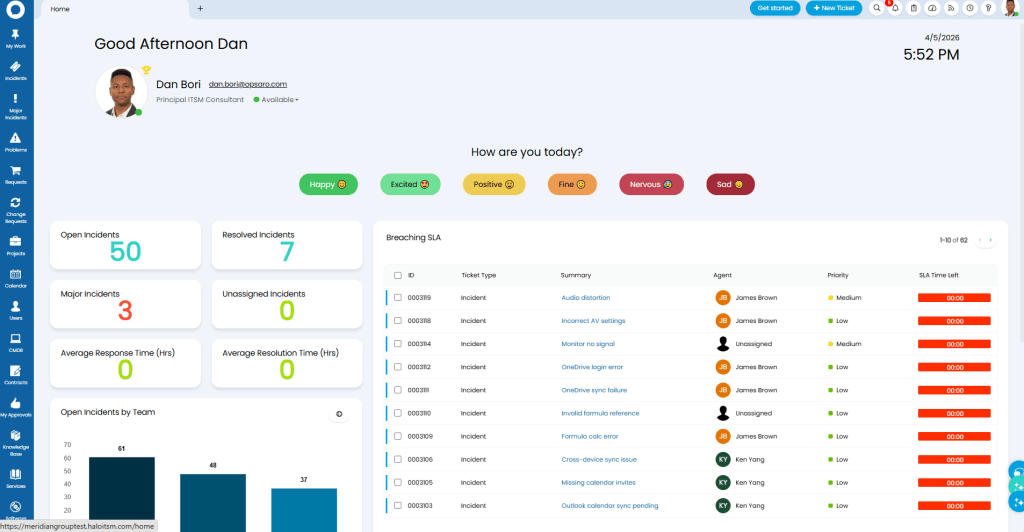
When you think of ITSM demos, polished presentations often come to mind. However, this isn’t just a demo. This walkthrough sets out to configure Halo from start to finish, providing real insights into its capabilities. If you’re evaluating Halo, wondering if it can meet your unique requirements, rest assured. With over a hundred implementations, we can attest to its versatility. Should you need specific proof, reach out for a tailored demonstration.
The journey begins with creating a Halo trial account. This simple step sets the stage for immersive exploration. After email verification, follow the link below start your trial. It’s all about maximising accessibility and minimal setup time.
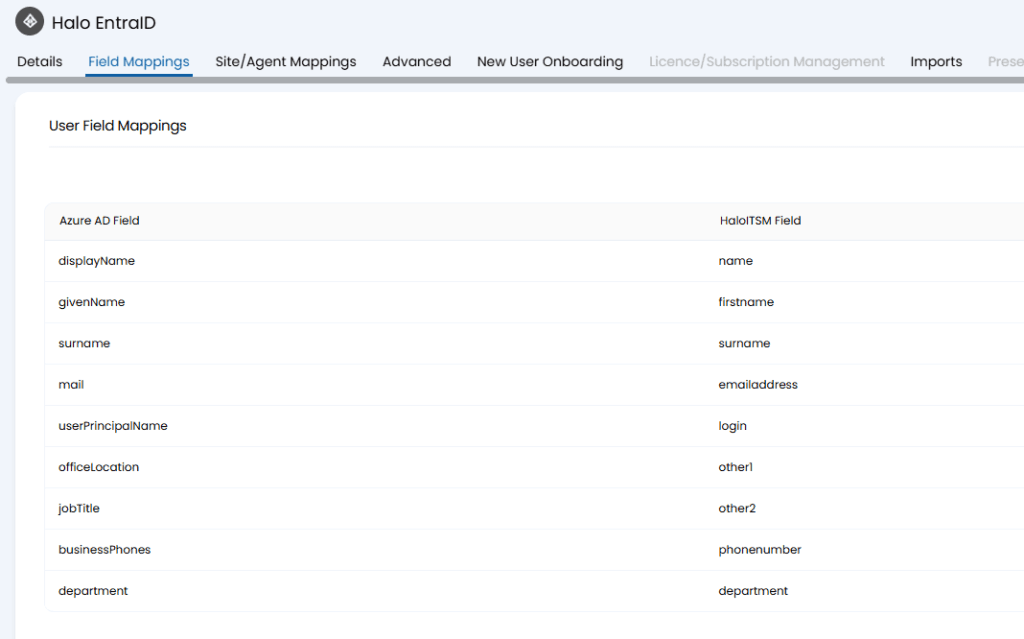
Integration is crucial. From Azure Entra ID to Microsoft Teams, HaloITSM plugs into the tools you use daily. Configuring these integrations, whether setting up SSO or integrating with Outlook, ensures seamless communication and authentication—essential for aligning IT operations with business functions.
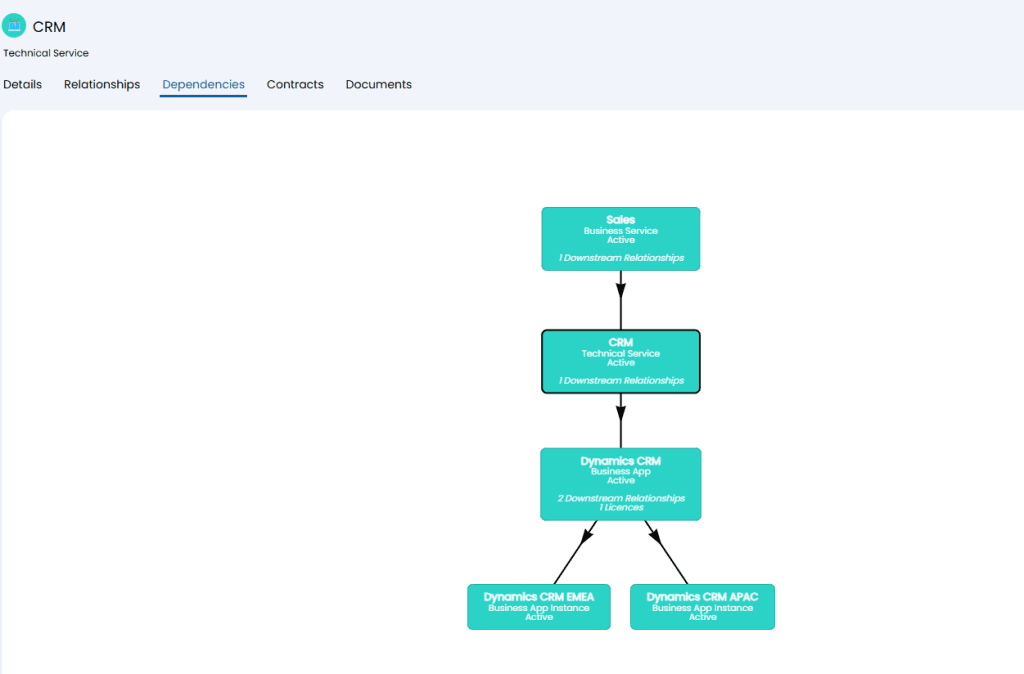
Managing IT assets is simplified natively supported with platforms like Lansweeper or Intune. This process involves mapping and importing assets efficiently, a crucial step in maintaining IT infrastructure oversight.
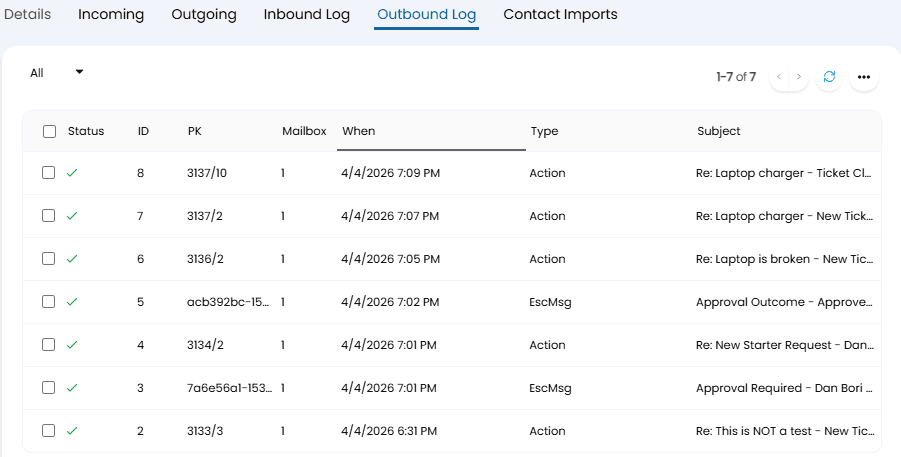
Implementing mailbox configurations allows emails to transform into actionable tickets within Halo. Ensuring seamless email integration with Office 365 sets the stage for smarter incident management and prioritisation, providing clarity and visibility into ongoing operations.
Outlook and Teams integrations further enhance operational efficiency. From creating appointments to automating notifications, these integrations streamline communication channels, ensuring that no message gets lost in the shuffle.
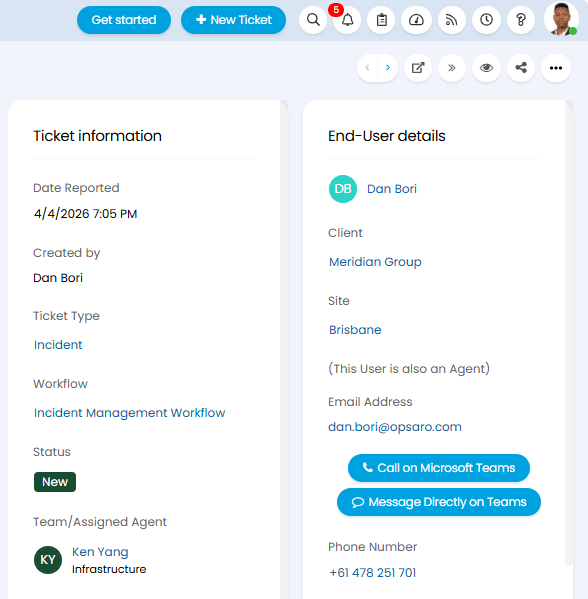
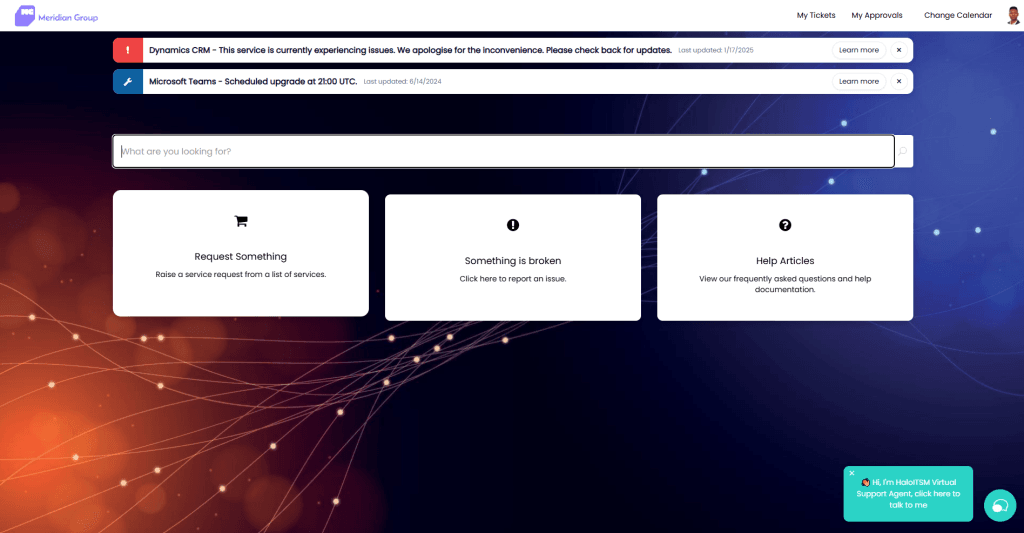
First impressions matter. Customising Halo’s interface with personalised branding—from color themes to logo configurations—tailors the self-service portal to reflect your organisation’s identity.
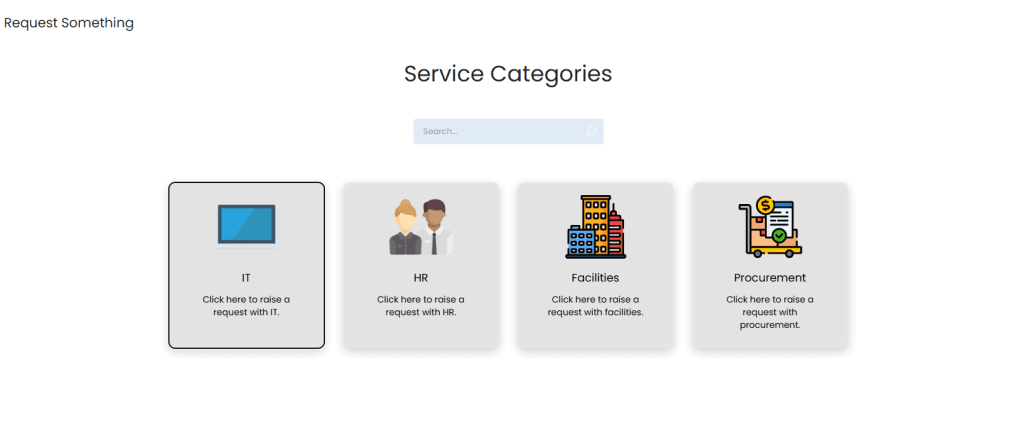
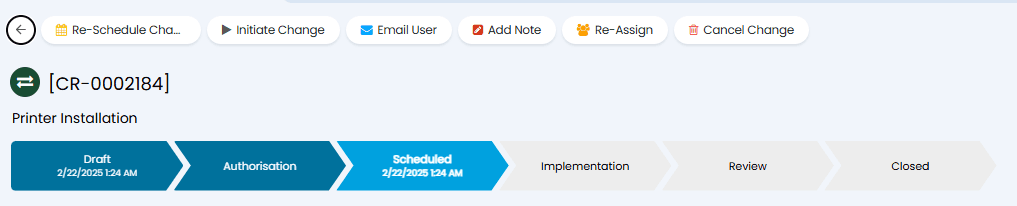
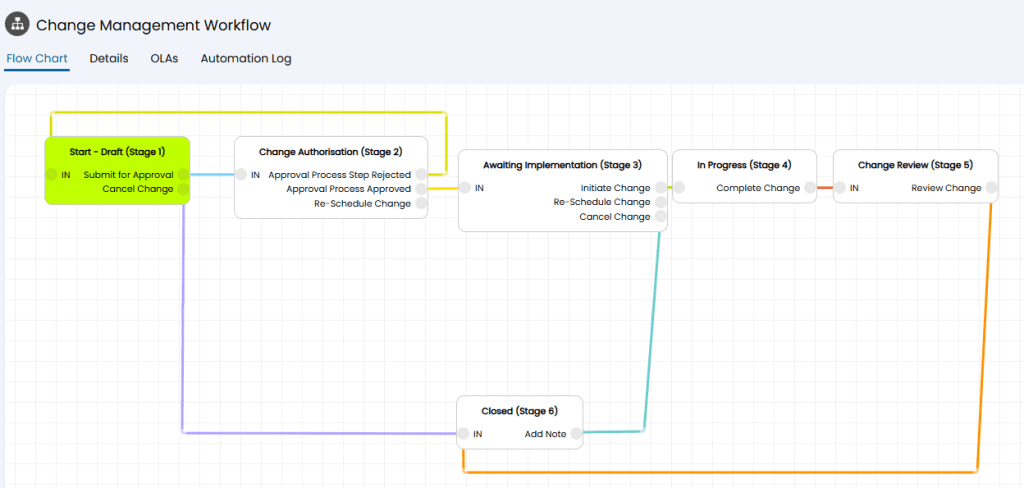
Halo’s out-of-the-box service catalog templates are just the beginning. Customising the incident forms and workflows to align with organisational needs, from defining mandatory fields to setting up approval processes, enhances the precision of service delivery.
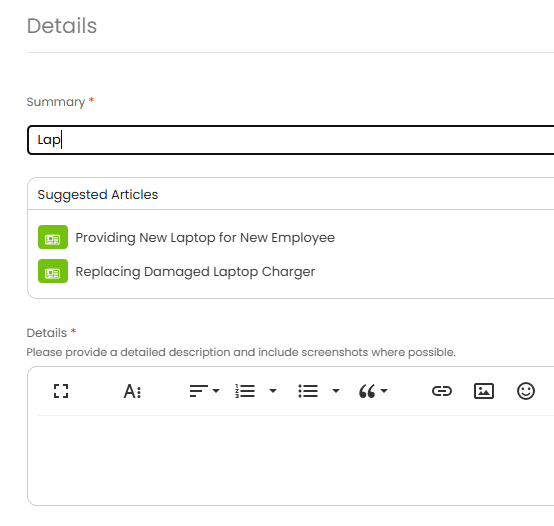
HaloITSM empowers organisations to create a structured knowledge base, coupled with strategic SLA management. Streamlining these components ensures that both end-users and agents can access critical information quickly, improving response times and service delivery efficiency.
Whether triaging an incident or integrating new starter requests with child ticket automation, Halo’s workflow capabilities offer robust solutions. The incorporation of AI insights ensures data-driven decision-making, highlighting the power of automation in modern ITSM.
In a matter of minutes, HaloITSM transforms into a fully configured, branded, and integrated service desk solution. No extensive project plans, just swift, automated, and insightful implementation. This ITSM solution stands out by adapting to the evolving needs of any organisation, making it a cornerstone of productivity and efficiency.